Quickstart Guide
C005553_01_CR8000_DevKit_QSGuide
Code Reader™ 8000 (CR8000) Development Kit
USB Anity® Cable RS232 Anity® Cable
w/ Power Supply
Aaching/Detaching a Cable to the Development Kit
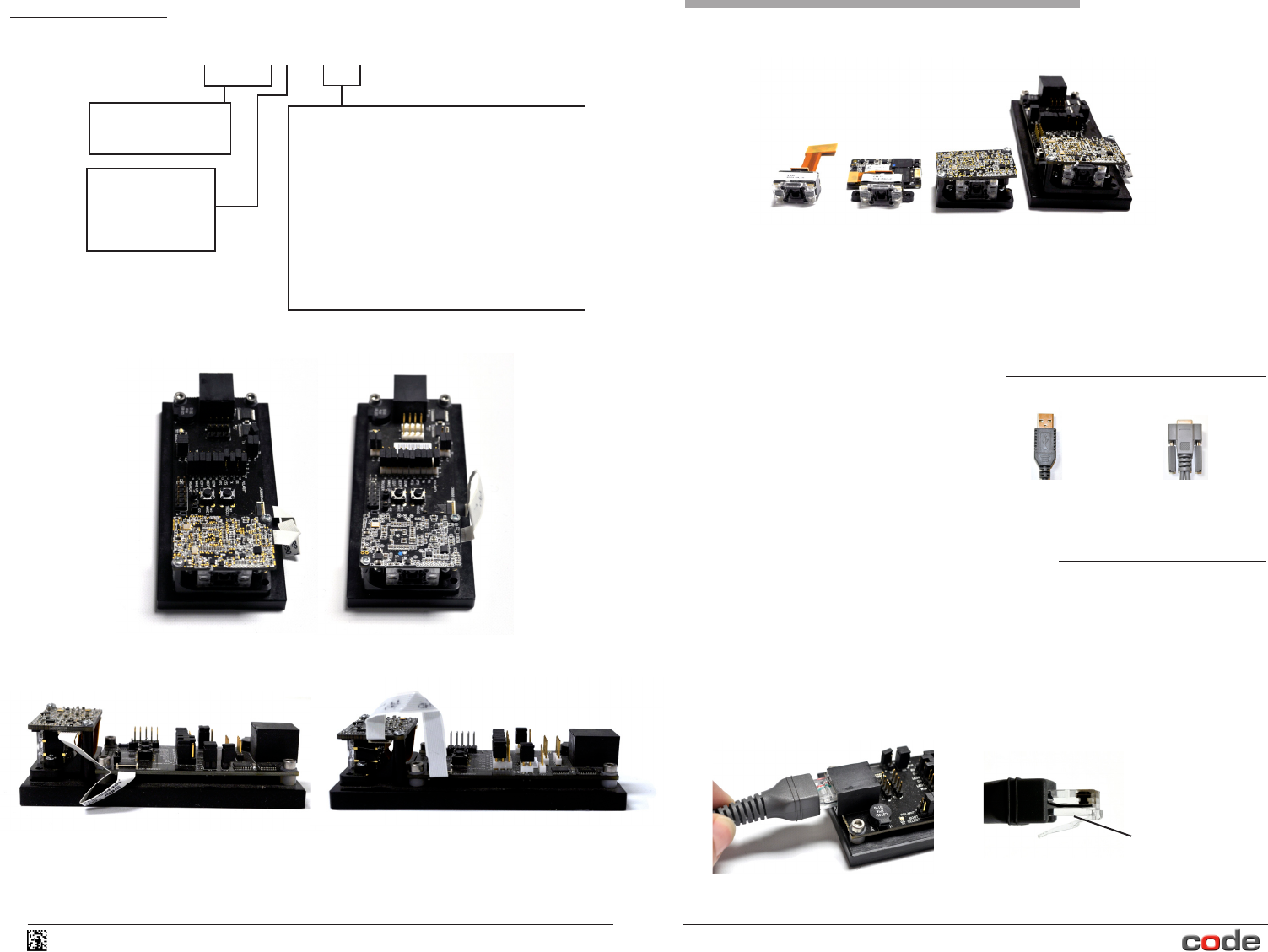
To aach a cable, plug the RJ-50 male connector end of the Anity cable into RJ-50 socket on
the development kit (Figure 1). Firmly push the connector into the socket unl a snap can be
heard, to indicate the cable is properly aached.
To detach a cable, simply press the tab (Figure 2) underneath the RJ-50 male connector while
gently pulling the cable away from the socket. Pulling or tugging on the RJ-50 male connector
prior to pressing the tab could damage the cable and/or socket.
Included with your CR8000 Development Kit
Depending on the kit ordered, the
following may have been shipped with your
CR8000 Development Kit:
© 2013. Code Corporaon. All Rights Reserved.
4
Figure 1
Figure 2
CR8000 Development Kit
Code Reader Type
CR801- CR8000 Scan Engine
CR801# - DK#
Development Kit Type
For USB Opons:
DK0 - Mounng Tabs (MT1), Standard Flex Cable (D0),
2” Ribbon Cable (C800), Interface Board, USB Cable
For RS232 Opons:
DK1 - Mounng Tabs (MT1), Standard Flex Cable (D0),
2” Ribbon Cable (C800), Interface Board, RS232 Cable and
US Power Supply
DK2 - Mounng Tabs (MT1), Standard Flex Cable (D0),
2” Ribbon Cable (C800), Interface Board, RS232 Cable and
EU Power Supply
Communicaon/
Connecon Type
1 - USB
2 - RS232, Serial TTL
CR8011-DK0
CR8000 USB Development Kit
CR8012-DK1 (or DK2)
CR8000 RS232 Development Kit
www.codecorp.com
CR8011-DK0
CR8000 USB Development Kit
CR8012-DK1 (or DK2)
CR8000 RS232 Development Kit
The CR8000 Scan Engine and CR8000 Development Kit are electrical components that have
been handled and packaged with special regard for Electrostac Discharge (ESD) sensivity.
Care must be taken to prevent externally-induced ESD damage, including the use of wrist and
foot straps, grounded tables and oor mats, stac control smocks, ESD-safe storage, etc.
Tab
Komentáře k této Příručce